
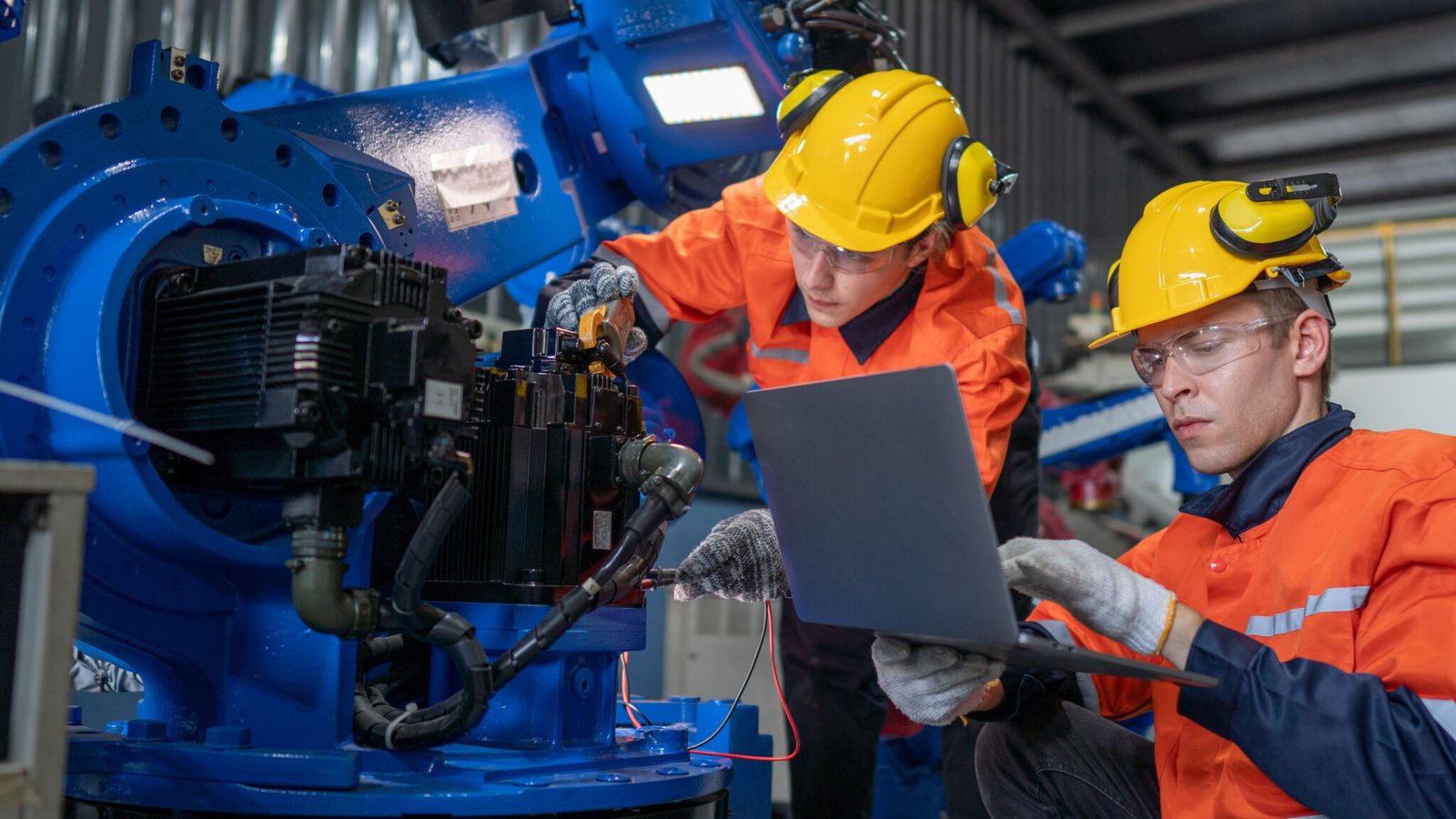

FANUC OVC Alarm: SRVO-046 Troubleshooting & Repair
What the OVC Alarm Means
On FANUC robot controllers, this fault displays as SRVO-046 OVC alarm (Group: i Axis: j); on some controller software the text reads SRVO-046 SERVO2 OVC alarm (Group:%d Axis:%d). The alarm means the servo system’s internally calculated root-mean-square (RMS) current for the reported axis has exceeded the allowable value. It is a protective alarm intended to prevent thermal damage to the motor before insulation or winding damage occurs. The alarm display identifies both the robot group and the specific axis involved — record this group/axis information before resetting the alarm or swapping any hardware, since it determines where to focus diagnostics.
This alarm is documented for FANUC R-30iA and R-30iB controllers; wording and the exact remedy sequence can vary with controller software and the applicable maintenance manual. FANUC CNC controls in the 0i, 16i, 18i, and 30i families use servo alarm systems that can report similar overcurrent conditions, but the exact alarm number and message text depend on the control generation, servo software, and the alarm manual for that specific system.
Common Causes of the OVC Alarm
Causes should be checked in the order FANUC documents them, starting with the least invasive: operating condition, then input voltage, then brake release, then mechanical load, before any component is condemned.
Most common causes, in order of likelihood:
- Robot load, speed, or duty cycle exceeding the rated payload or duty cycle for the reported axis
- Low or incorrect controller input voltage, or an incorrect transformer tap/voltage setting; on R-30iA, three-phase voltage at or below approximately 170 VAC at the servo amplifier requires investigation of the incoming supply
- Brake on the affected axis failing to release, or a disconnected, damaged, or improperly seated brake cable or connector
- Mechanical binding: increased friction, an obstruction, damaged gearing, excessive external force, or an incorrectly supported payload increasing axis load
- Continuous very slow motion, which increases heating and current demand
These causes apply across FANUC R-30iA and R-30iB robot controllers and FANUC CNC servo systems (0i, 16i, 18i, 30i families) using alpha-i amplifiers, though exact alarm wording and remedy order depend on the specific controller and software version.
Step by Step OVC Alarm Troubleshooting
Work under lockout/tagout before opening any amplifier or junction box. Servo amplifiers can hold hazardous DC-link voltage after power-off; verify zero voltage with a meter rated for the application before touching internal components.
- Record the alarm: note the exact SRVO-046 text, reported group and axis, and the alarm history before resetting anything
- Check operating condition: compare actual payload, speed, and duty cycle against the robot’s rated values and reduce load if it exceeds the rating
- Check input voltage: verify three-phase supply to the servo amplifier and confirm the transformer tap or voltage setting matches the controller specification
- Verify brake release: confirm the brake on the reported axis releases and inspect the brake cable and connector for damage or looseness
- Inspect for mechanical binding: check for obstruction, damaged gearing, excessive external force, or an unsupported payload increasing axis load
- Inspect wiring and connectors: check motor-power and feedback connectors, brake wiring, cable jackets, amplifier contamination, cooling airflow, and signs of overheating
- Test swap where available: under an approved service procedure, swap an identical amplifier or axis to isolate whether the fault follows the amplifier or stays with the motor, cable, or mechanics
Clearing and Resetting the OVC Alarm
The alarm resets like other SRVO-class faults once the underlying condition is corrected, but resetting it without addressing the cause does not fix an OVC condition — the alarm will recur, often at a shorter interval, if the root cause is still present.
Before resetting:
- Confirm the operating condition, input voltage, brake release, and mechanical load checks above have been completed and any correction (reduced load, corrected voltage, freed binding) has been made
- Confirm the affected axis brake releases correctly and the brake cable and connector are properly seated
- If a servo amplifier, motor, or cable was replaced, confirm the replacement part number, motor model, feedback type, and parameters match the machine configuration and applicable FANUC maintenance manual before returning the robot to production
Repeated OVC alarms should be investigated rather than repeatedly cleared. Continued operation with an unresolved OVC condition can overheat the motor, amplifier, cabling, or mechanical transmission and turn a correctable fault into a larger repair.
When OVC Points to a Hardware Failure
When operating-condition, voltage, brake, and mechanical checks do not identify a cause, FANUC’s documented sequence moves to hardware: the servo amplifier, the motor, the E-stop unit, and the robot’s motor-power and brake cabling — the controller-to-robot cable and the internal robot cable are separate possible failure points.
A failed servo amplifier can cause OVC through abnormal power-stage operation, faulty current sensing, or a control-board fault; this is confirmed by testing the amplifier’s output and current-sensor circuits rather than by symptom alone. A motor with winding damage, insulation degradation, bearing failure, or abnormal mechanical drag draws excessive current; distinguishing this from an amplifier or cable fault requires phase-to-phase resistance checks, insulation-resistance testing, feedback-device checks, and verification of free shaft rotation. Cable problems — a phase fault, an intermittent conductor, insulation damage, or a bad connector — can also produce abnormal current and should be ruled out with continuity and insulation testing before an amplifier or motor is condemned. The E-stop unit is also listed as a possible replacement item in FANUC’s troubleshooting sequence for this alarm.
How Robotics Integration Can Help
Robotics Integration supports maintenance teams working an active SRVO-046 OVC alarm on FANUC R-30iA and R-30iB robot systems and on FANUC CNC servo systems using alpha-i amplifiers. Over the phone, our technicians can walk through the alarm history, the reported group/axis, input voltage checks, brake condition, and mechanical inspection to help narrow down whether the fault is operating condition, wiring, or a component failure.
When the fault points to hardware, we repair servo amplifiers, motors, and cable assemblies at the component level — testing rectifiers, DC-link capacitors, switching power devices, gate-drive circuits, current sensors, and control boards on amplifiers; phase resistance, insulation resistance, feedback, brake, and bearing checks on motors; and continuity and insulation testing on cables. Repaired amplifiers are power-tested and checked against a motor or approved test fixture, with load testing where available, before being returned to service.
For units that cannot be pulled and shipped, or where wiring and mechanical inspection is needed on the floor, we also provide on-site service to help diagnose and correct the condition causing the alarm.
Looking up a different code? See the full FANUC and robot alarm code list, or read about our FANUC robot repair.
Get Help With an OVC Alarm Now
If a FANUC robot or CNC system is down on a SRVO-046 OVC alarm or another OVC-related servo alarm, contact Robotics Integration with the details needed to start diagnosing the fault before hardware is pulled:
- Controller model and software version (R-30iA, R-30iB, or CNC model such as 0i, 16i, 18i, or 30i)
- The exact alarm text as displayed, including the reported group and axis
- Alarm history — how often the alarm occurs and under what conditions
- What the robot or machine was doing when the alarm occurred (payload, speed, motion type, duty cycle)
- Any recent changes to load, tooling, mechanical repairs, or electrical work
Call 1-602-449-1556 to talk through the alarm with a technician, or to arrange amplifier, motor, or cable repair and on-site service.
Talk A Robotics Integrator
By submitting this form, you agree to receive communications via phone, text message, and email. Message and data rates may apply. Your information may be shared with trusted third-party service providers solely for the purpose of helping you explore Section Robotic Intergration options. You also agree to our Privacy Policy and Terms of Service.
+1 602-449-1556
Success Stories: See What Business Have To Say About Robotics Integration
4.7 Customer Reviews